
By the end of this section, you will be able to:
- Open your CarCloud invitation email
- Create a secure new password
- Log in for the first time
First-Time Login
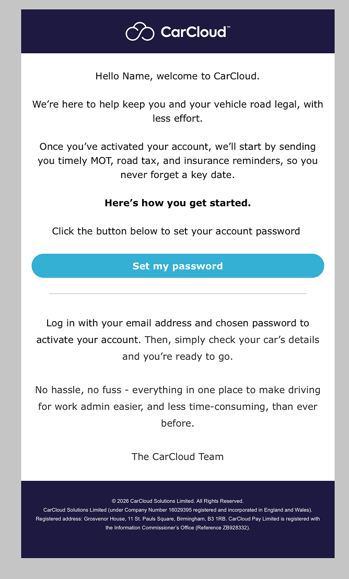
- Click Set my password button in the invitation email. You will be redirected to the CarCloud change password page.
- Enter a new password and confirm it to create your CarCloud account.
- Click Log in button and enter your email address and new password to enter the driver dashboard.
What's next?
- Take a tour of Your Personal Dashboard to see what's available.